
A reminder is a cue, not a command
The purpose of a motivation reminder is to make the next useful action easier to remember. It is not to manufacture urgency. A single quote at a stable transition—before work, after a commute, or at the close of the day—usually has a better chance of becoming part of your life than five alerts scattered across it.
RiseHush’s reminder planner is designed around that smaller rhythm. Choose a time and a day pattern, then let the quote arrive as a prompt to read and return. If the notification starts to feel like another obligation, reduce the schedule before you abandon the ritual entirely.
Set one reliable window first
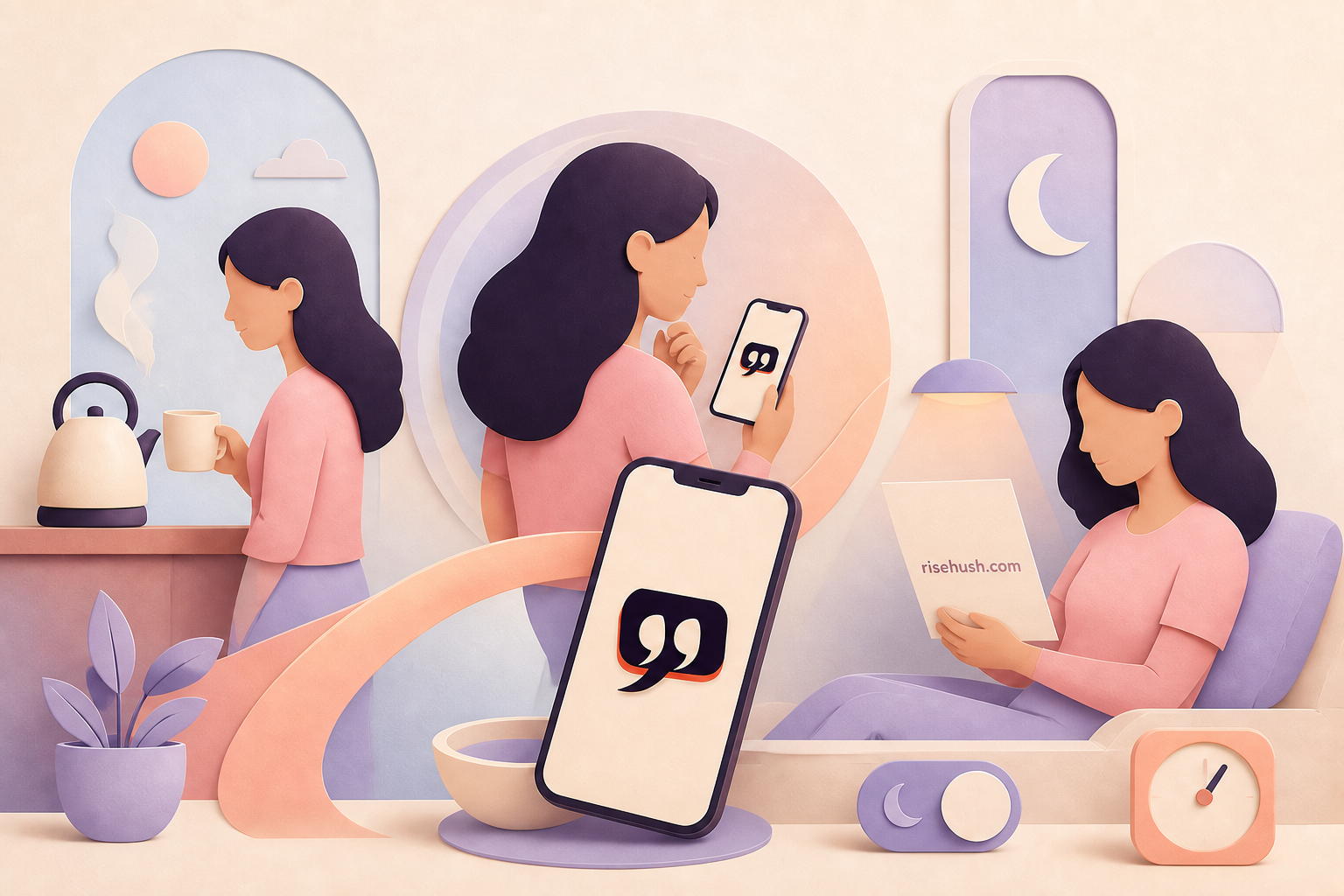
Start with one delivery window for seven days. Pick a moment that already exists: when the kettle boils, when you sit at your desk, or when you close your laptop. A cue attached to an existing transition asks less of memory than a new time that has no physical anchor.
Use a quote with enough space around it. The notification can point you toward the line; the app and source record can hold the author, locator, translation note, and reflection context. That separation keeps the alert short without making the editorial work invisible.
- Choose one morning, midday, or evening window.
- Select the weekdays you can realistically meet.
- Keep the first test to one reminder rather than a full-day sequence.
- Review after a week: useful return, ignored alert, or unnecessary interruption?
Protect quiet hours at the system level
RiseHush can offer a delivery plan, but iPhone controls the wider notification environment. Use Settings > Notifications to decide whether the app can alert you, where previews appear, and whether delivery is immediate or part of a Scheduled Summary. Use Focus when you want a defined period with fewer interruptions, and schedule it around sleep, work, or a protected reading window.
This is not a failure of motivation. A reminder that respects quiet is more trustworthy than one that insists on being seen. If your day changes, pause or move the reminder; the point is to preserve the practice, not defend the original schedule.
Measure the return, not the notification count
After one week, ignore the number of alerts sent. Ask three smaller questions: Did I read the line? Did it change what I did next? Did I feel helped or managed? If the answer is mostly no, shorten the quote, move the time, lower the frequency, or use a widget instead of a notification.
A useful reminder disappears into the day after it has done its job. The morning ritual research explains why a stable cue and a tiny action are more durable than a pep talk; the privacy page explains the product’s local-first and account-free boundaries.
How many motivation reminders should I set?
Begin with one stable reminder for a week. Add another only if the first one is genuinely useful and the extra timing serves a different transition. More alerts are not automatically more motivation.
How do I stop a daily quote reminder from becoming annoying?
Move it to a real transition, reduce the days, shorten the line, or replace the notification with a widget. You can also use iPhone Scheduled Summary or Focus to protect quiet periods.
Can reminders build a habit?
They can support a stable cue, but a reminder is not the habit itself. Pair it with a two-minute action—read one line, write one sentence, or choose one next step—and review whether the return is useful.