
The best widget is a cue, not a destination
Widget quality is not measured by how much content can be packed into a rectangle. It is measured by whether the surface helps you do one useful thing and then lets you leave. A daily quote widget should make reading easy, keep the author visible, and avoid turning a glance into an invitation to scroll.
RiseHush is designed around that smaller job: a source-aware line, a calm visual treatment, and a path back to the full record when you want to inspect the wording. You can browse the Apple surfaces overview or go directly to the public citation catalog before choosing what belongs on a recurring surface.
Use the iPhone surface that matches the amount of attention you have
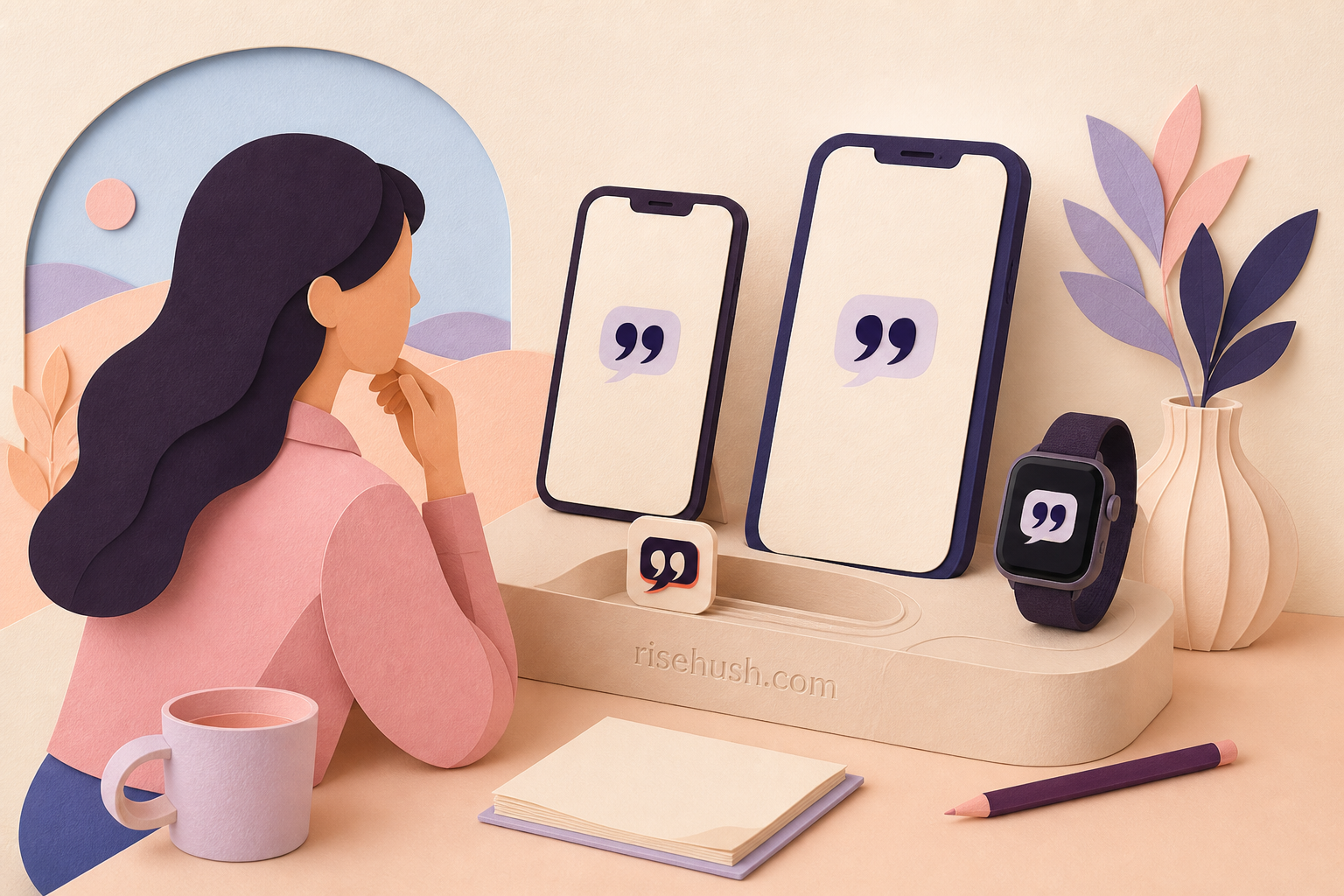
The Lock Screen is the smallest commitment: you see the line while checking the time. The Home Screen allows more room and works well when you want to read a longer quotation or keep a widget beside the apps that start your day. Today View is useful when you want the quote one swipe away without making it part of the permanent wallpaper.
Apple’s widget gallery lets you choose a widget family and size, then place it where you want it. Start with the smallest version that remains readable; a widget that is always in view but never read is only visual clutter. If the line needs context, use the app or source record rather than shrinking a paragraph into a tiny tile.
- Lock Screen: one-line cue at the moment you wake the phone.
- Home Screen: more room for a quote you want to read, not just notice.
- Today View: a deliberate swipe when you want less persistent visual noise.
Use Apple Watch for the truly glanceable version
Apple Watch changes the question. You are not looking for a card to admire; you are looking for a line that can meet you between two other things. RiseHush’s Quote of the Day watch surface is built for that brief return. Keep the text short, let the watch face remain legible, and treat the tap as an option rather than a requirement.
To place an app surface on a compatible watch face, touch and hold the face, tap Edit, swipe to the complications screen, tap a complication, and turn the Digital Crown to choose an available option. Apple notes that complication availability depends on the watch face and the apps installed.
Choose one surface and test the return
Try the widget for a week with one question: did it help you return to a thought or did it ask for more attention? If you opened the app every time and lost the line in a feed, use a smaller, calmer surface. If the text is too small, move it to the Home Screen or Quote Studio. If you never look at the watch face, the watch is not your ritual surface, no matter how convenient the feature sounds.
The strongest setup is the one that leaves you with a next action and no guilt when you miss it. A quote is a prompt, not a performance metric. Read the habit research for the case against perfection-based streaks.
What is the best place for a motivational quote widget?
Use the Lock Screen for a short cue, the Home Screen for a quote that needs more room, Today View for a deliberate swipe, and Apple Watch for a genuinely glanceable line. The best surface is the one you already use without opening another feed.
Does RiseHush work on Apple Watch?
The current RiseHush product surfaces include an Apple Watch quote experience. Check the current App Store listing and your device’s available widget or complication gallery for the exact support shown by your build.
Should a quote widget rotate frequently?
Usually not. A slower rotation gives you a chance to remember and apply a line. If a widget feels like an endless feed, reduce the frequency or choose one saved quote instead.