
The useful change is timing
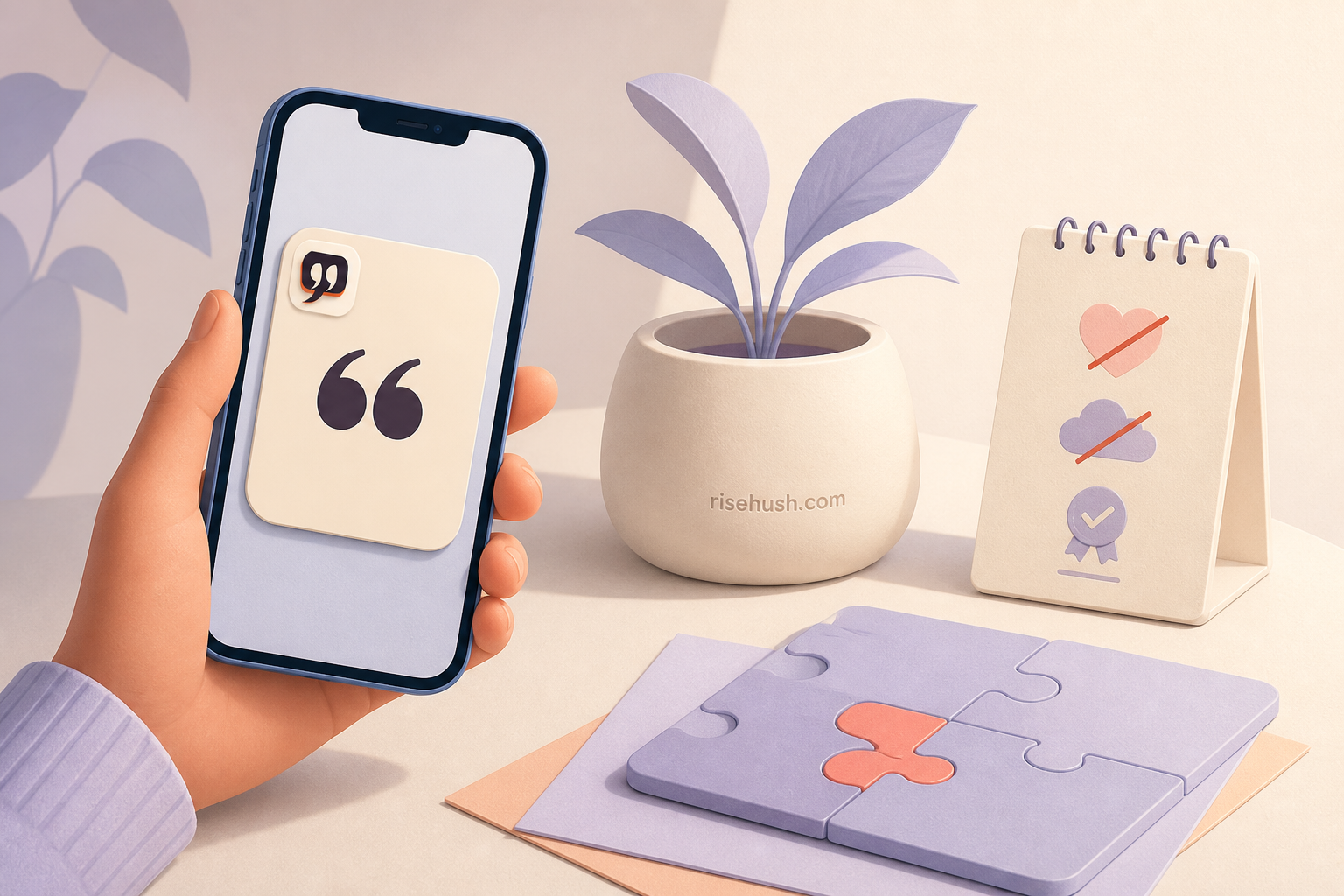
A widget does not make a quotation wiser. It changes the moment of contact. Apple describes WidgetKit as a way to surface small amounts of timely, personally relevant information where people can see it at a glance, including on iPhone and iPad Home Screen or Lock Screen, Mac, Apple Watch, Vision Pro, and other supported contexts. The value is reduced friction, not a new psychological power.
For a quote, that can mean meeting a sentence before a meeting, during a commute, or at the start of a morning ritual. The best widget does not demand a session. It gives you enough context to decide whether to open the app, act, or move on.
What a widget can change
It can make a saved quote easier to revisit, expose a source label in a limited space, provide a glanceable cue, and route a tap into a specific app destination. A configurable widget may let a person choose a theme, quote type, or presentation detail if the implementation supports it. A timeline can make content feel current when the app has a valid schedule for doing so.
Those are interface and timing effects. They are valuable precisely because they are modest: the widget changes access to information, not the truth of the information or the person’s response to it.
What a widget cannot change
A widget cannot guarantee motivation, diagnose a mental-health condition, or make a circulating quote verified. It cannot promise a particular update time across every device and power state, and it cannot claim an Apple surface that the current build and App Store record do not support. Limited space also means the full source note may need to open in the app or website.
This is why RiseHush keeps platform claims fail-closed until the owner confirms the current App Store and build matrix. The everywhere page should show only authentic captures and supported surfaces; the download hub should route a reader to a listing that matches the claim.
A good widget content contract
Show the quote, author, and a compact source cue whenever space allows. Make the tap destination predictable. Respect privacy and sensitive-data settings. Provide a refresh strategy that tolerates stale or unavailable content instead of displaying a confident but unsupported line. If the quote changes, preserve enough context for a reader to know what changed.
For the editorial system, the source catalog remains canonical. A widget is a view of a record, not a second quote database. Any correction should flow back to the record and the rendered surfaces rather than being patched only in an image.
Verify before publishing the promise
Before writing “RiseHush has an Apple Watch widget” or “the widget updates every morning,” verify the app target, the production build, the store metadata, and a real device capture. Apple’s WidgetKit documentation describes the framework’s possibilities; it does not verify the current RiseHush binary. Keep those two kinds of evidence separate.
The widget selection guide explains the user-facing trade-offs. The source catalog handles quotation evidence. Together they make a better product page than an unverified platform promise.
What can a quote widget do?
It can surface a small, timely quote at a glance, reduce the friction of returning to a saved line, and route a tap into a relevant app destination when the implementation supports it.
Can a widget guarantee a motivation boost?
No. It changes access and timing, not your mood or the truth of the quotation. A widget is a cue, not a guarantee.
How do I verify a motivation app’s widget claims?
Check an authentic device capture, the current app build and target, the live App Store listing, and the product’s support documentation. Framework documentation alone is not proof that a particular app ships the feature.
Take the practice with you
Keep the next quote within reach
Scan the QR code, use the accessible download hub, or open the App Store badge. The QR appears only on selected quote and Apple-device guides where an app handoff is part of the reader's next step.
 Scan to open