
Start with the source, not the background
A quote card is easy to make and easy to get wrong. Before choosing a gradient, confirm the wording and author in the Correctly Credited archive or source catalog. If the line is uncertain, keep that uncertainty visible or choose another line. Design can make a sentence memorable; it cannot make an attribution true.
For a private card, the editorial standard is still the same: preserve the exact wording you intend to reuse, keep the author attached, and remember that translations and editions can differ. The RiseHush method explains what a locator does and what it does not prove.
Build the card in Quote Studio
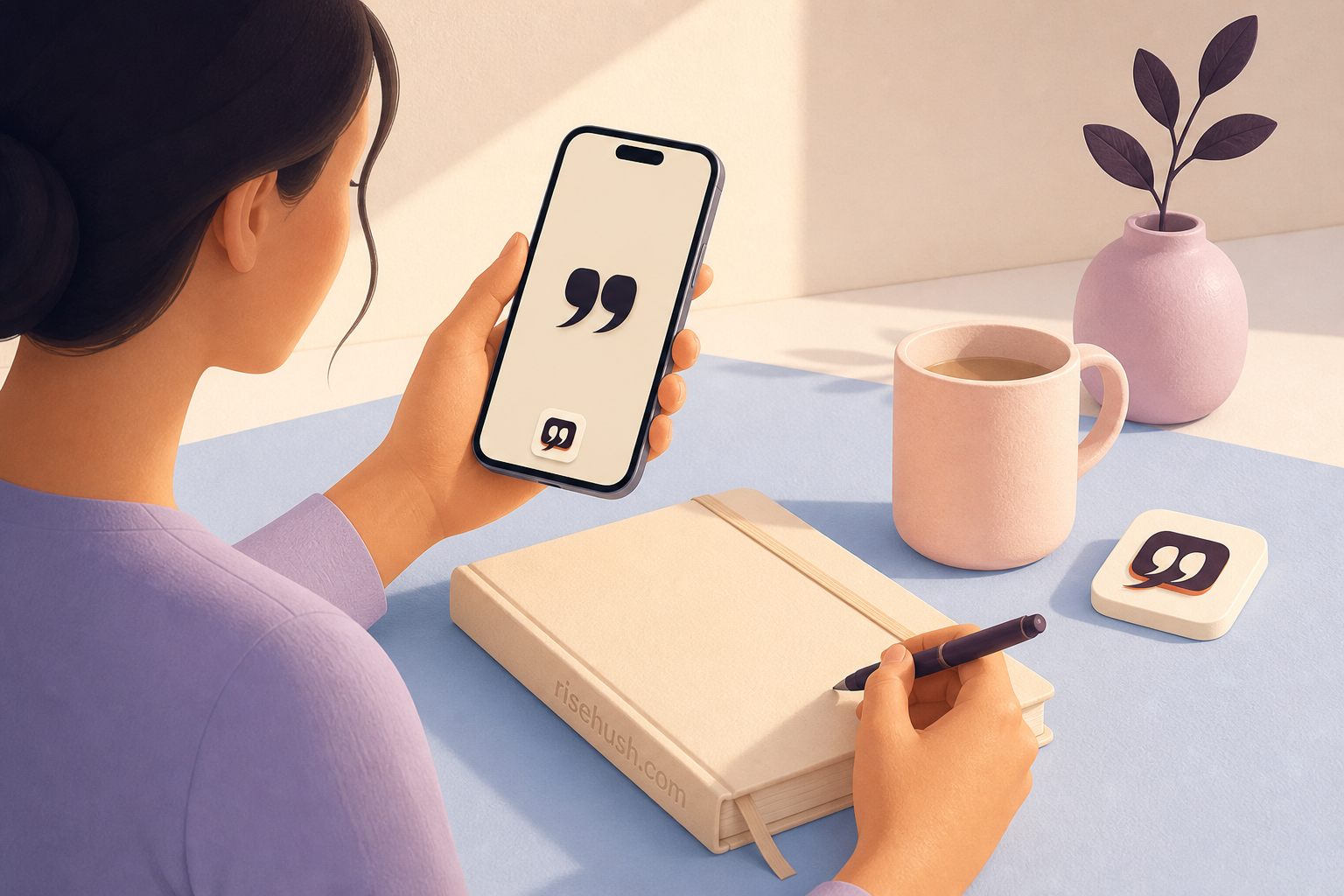
Open Quote Studio and choose the quotation you want to carry. Start with the most readable layout, then try a backdrop and text treatment that leave enough contrast around the words. Preview the card at the size where you will actually use it—phone wallpaper, a saved image, or a share card—not only in the editor canvas.
The best design is often the least decorated one. Let the sentence set the pace, keep the author legible, and avoid adding a second slogan that competes with the quotation. If the card needs a paragraph of explanation to work, it may belong in a journal entry rather than on a visual surface.
- Select a source-aware quote.
- Choose a size and layout that match where you will use it.
- Keep the author and attribution context visible.
- Check contrast and legibility before exporting.
Keep it private until sharing has a reason
A personal quote card does not need an audience to be useful. Keep it as a local visual cue, use it as a Lock Screen or Home Screen image, or return to the source record when you want more context. If you do share it, treat the image as a doorway to the original work rather than a replacement for the citation.
Before sending a card, check whether the background, captured notification, or surrounding image reveals more than you intended. Read the privacy page for RiseHush’s product boundaries and the asset-rights notes on the press page before using third-party photography outside the app’s own flow.
Let the card do one job
Use the finished card to make one action easier: begin the page, take the walk, send the message, or pause before answering. A card that asks you to become a different person is too heavy for a wallpaper. A card that returns you to a true sentence at the right moment can be enough.
If you want the quote to meet you without opening the editor, pair the card with the daily ritual described in daily motivation, or keep the source-aware line in a widget. Make the design serve the practice, then let the practice end.
Can I make a motivational quote card without sharing it?
Yes. Quote Studio is designed for creating a personal visual cue; sharing is optional. Keep the card local when the value is in your own reminder rather than an audience response.
How do I choose a quote for a card?
Start with a line whose wording and author you can inspect. Keep the source or locator attached where possible, and do not turn an explicitly unverified line into a confident-looking graphic.
Can I use a quote card as an iPhone wallpaper?
Yes, export or save a card in a size that fits your intended surface, then use the iPhone wallpaper flow. Preview it on the actual Lock Screen or Home Screen so the clock, widgets, and contrast do not hide the words.
Take the practice with you
Keep the next quote within reach
Scan the QR code, use the accessible download hub, or open the App Store badge. The QR appears only on selected quote and Apple-device guides where an app handoff is part of the reader's next step.
 Scan to open